
What changed, and what the official pages say#
WhatsApp now gives businesses three versions, and one combined option sits between two of them. The facts below come from Meta's own pages. Where a page shows a date, we give it.
| Option | Best for | Key facts and limits |
|---|---|---|
| WhatsApp Messenger (personal) | Personal chats | Built for people, not for running a business. |
| WhatsApp Business app | One or two people who answer chats on the phone | Labels, quick replies, catalogue and greeting messages. A small team can share the number within the app's device limits. |
| Business Platform API | Teams with several agents, automation or bulk sending | You pay per delivered message. The first 1,000 service messages a month per business number are free, according to Meta's pricing page. It is a messaging service that software uses, not an app on a phone. |
| Coexistence (Business app and API on one number) | Teams that keep the phone app and also need automation | Needs Business app version 2.24.17 or higher and a Solution Partner or Tech Provider. Groups and calls do not work through the API. |
Prices and free messages. Meta says businesses pay only when a message is delivered, not when it is sent. Each business phone number gets 1,000 free service messages a month, and the 1,001st is charged. The price depends on the message type and the country of the recipient. Use Meta's official rate table, and do not quote a price from a blog or a vendor.
The 24-hour window. A customer message opens a 24-hour window. Each new customer message resets the timer. Inside the window you can reply freely. After it closes, you can reach the customer only with an approved template message.
Click to WhatsApp ads. If a customer messages you from an ad on Android or iOS, a free window may open for up to 7 days. It does not apply when the customer messages from a desktop or the web. Meta's current pricing page gives 7 days. Older WhatsApp pages give a different number, so check the current page before you promise anything to a client.
Coexistence in practice. In this option the phone app stays in use for one-to-one chats, and the API is connected to the same number. Groups and calls do not work through the API, so check whether you need them before you choose.
What we see with clients#
Company size is the wrong first question. The two questions in the short answer above sort most cases.
The simplest way we explain it: the Business app is one phone and a few people. The API is a system. The first is free and simple. The second charges per message, but it does things a phone cannot do.
What to do this week#
- Write down how many people must answer customer chats each day. Use a real number, not a guess.
- Write down whether you need automatic replies, a bot or bulk messages. Answer yes or no for each.
- If the answers are one or two people and no automation, stay on the WhatsApp Business app. Set up the greeting message, labels and quick replies now.
- If you need automation, ask a Solution Partner or Tech Provider for a quote. Ask them to show Meta's price for your message types and your customers' countries.
- If you want the phone app and automation on one number, ask the partner to confirm your app version is 2.24.17 or higher. Ask which features do not work, and get the answer in writing.
- If you run Click-to-WhatsApp ads, test a message from an Android phone and from an iPhone. Check the free window on Meta's current page before you promise it.
What nobody can promise#
- Nobody can give you one price for WhatsApp. The API price depends on the message type and the country.
- Nobody can promise that the right version will bring more sales. Test with real chats for one week, then review.
- We could not confirm whether a WhatsApp Business account is needed to run Click-to-WhatsApp ads, or whether such ads can be built inside the Business app. Check both with Meta before you spend money.
FAQ#
Is the API just the Business app with more features?#
No. The Business app is an app on a phone. The API is a messaging service that software uses to send and receive messages.
Is the API free to use?#
Not fully. Each business phone number gets 1,000 free service messages a month. After that, Meta charges per delivered message, and the price depends on the message type and the recipient's country.
How long is the free window after a Click-to-WhatsApp ad?#
Meta's current pricing page says up to 7 days, and only when the customer messages from Android or iOS. Check the current page before you promise it to anyone.
Can the Business app and the API use the same number?#
Yes, through Meta's coexistence option. You need Business app version 2.24.17 or higher, and a Solution Partner or Tech Provider must set it up. Groups and calls do not work through the API.
Sources#
- Meta, "Pricing on the WhatsApp Business Platform" (effective 1 October 2026)
- Meta, "Onboard Business app users (Coexistence)"
For the setup side of WhatsApp, see our WhatsApp marketing page.
Related case studies
Real projects where we applied the ideas in this article.
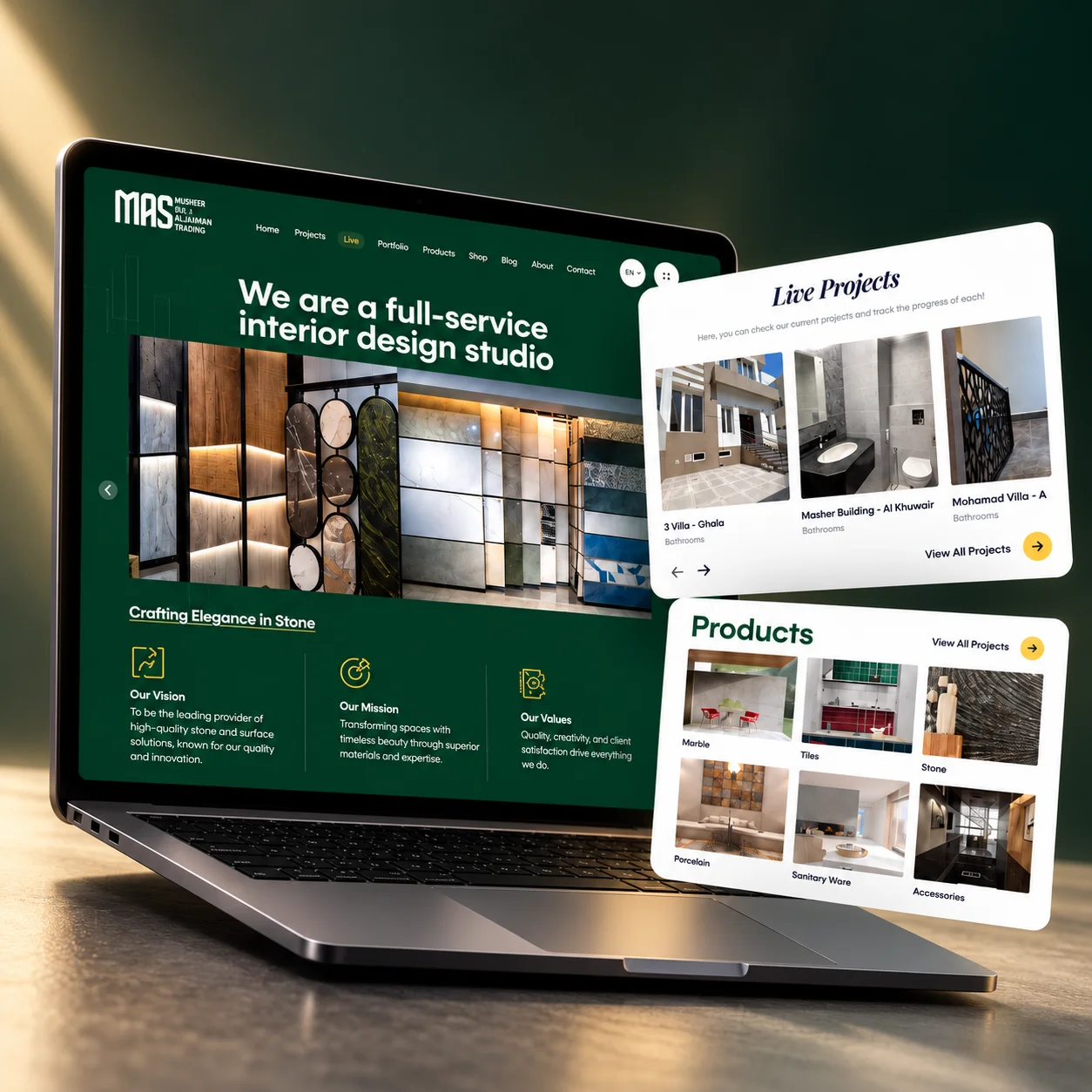
E-commerce Website — MAS Trading
A comprehensive digital transformation for MAS Trading, featuring a high-end e-commerce platform for premium stone and…
View case study
Rebranding & Development — PayaBana Co
A comprehensive transformation of PayaBana Co’s brand identity and business strategy, integrating modern digital…
View case study
Digital Marketing — High Tech City
A comprehensive digital marketing and 3D visualization project for High Tech City, leveraging AI and graphic design to…
View case study